
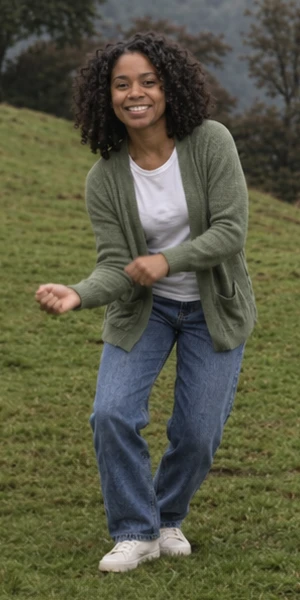
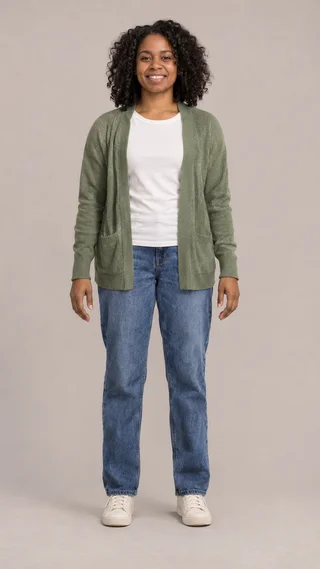
The left-side groove
Your first friend joins the dance on the left.
AI-generated image previewTurn 1–3 photos into the viral 15-second hillside dance video. Put yourself and your friends in the scene, preview your cast for free, and download your video with music. No CapCut or editing skills needed.
Your photo takes the center role. Add up to two friends. Add one or two friends at no extra cost.
See your scene before making the full video. One free preview per account, once only.
about 15 s · music included · 9:16 · no subscription
One person per photo. Clear face, good lighting, no sunglasses or heavy filters. JPG or PNG, up to 8 MB.
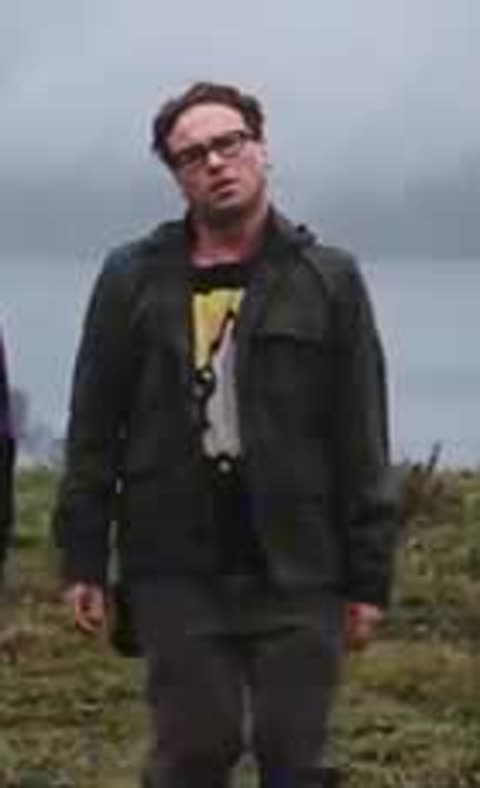
The three-person hillside dance · Reference video
Three people. Three roles. One hillside scene.
Your first friend joins the dance on the left.
AI-generated image preview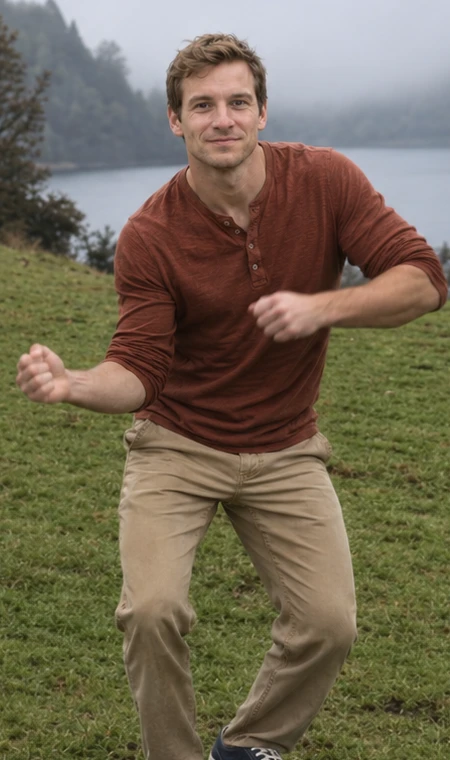
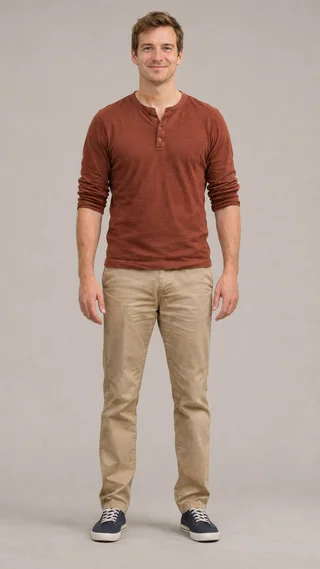
Your lead takes the center role.
AI-generated image preview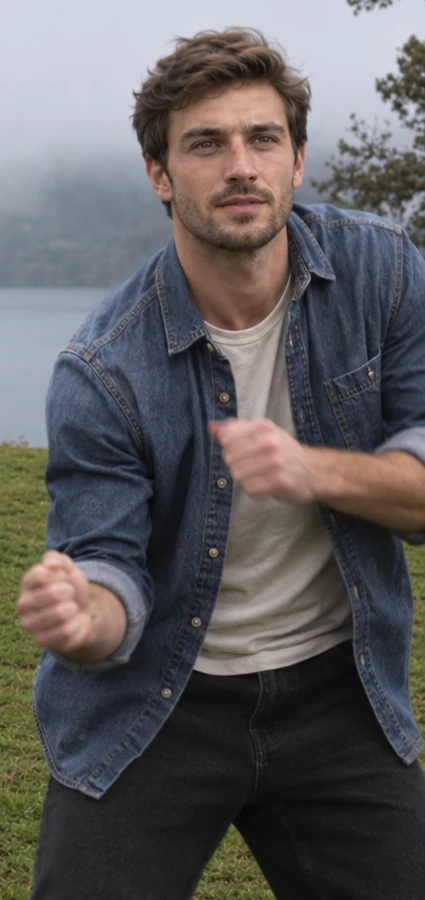
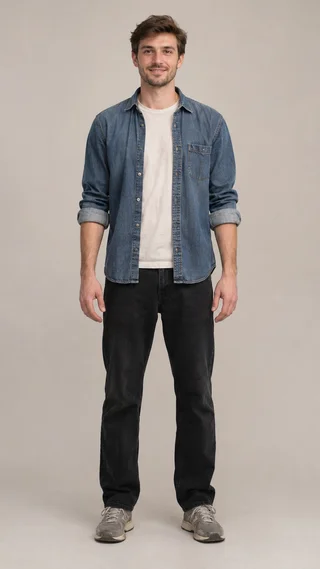
Your second friend completes the trio.
AI-generated image preview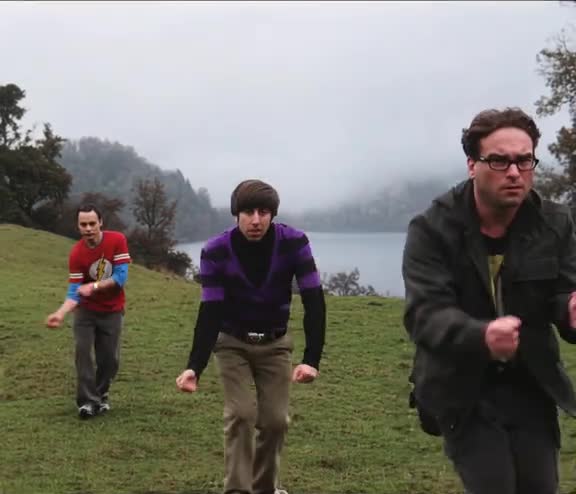
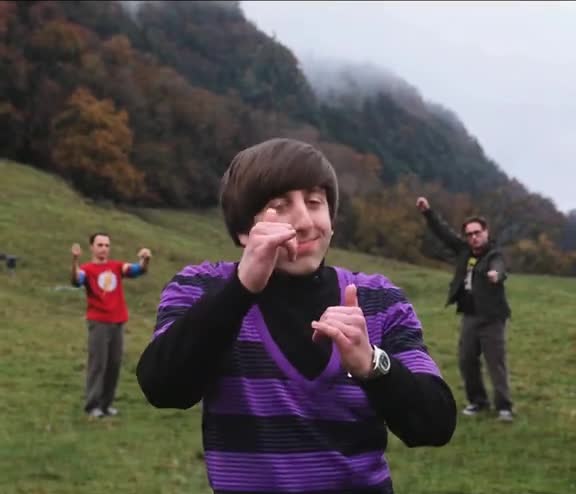
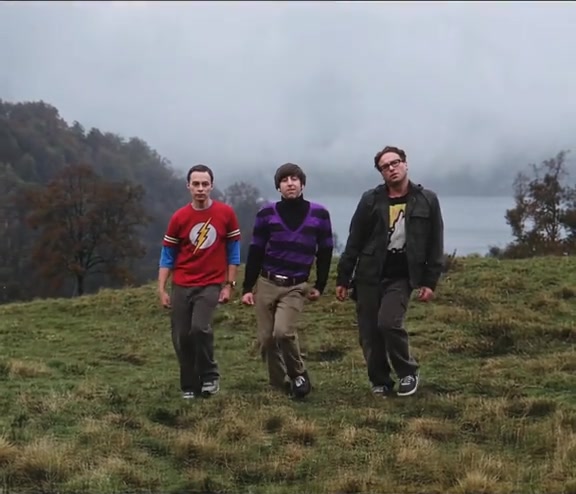
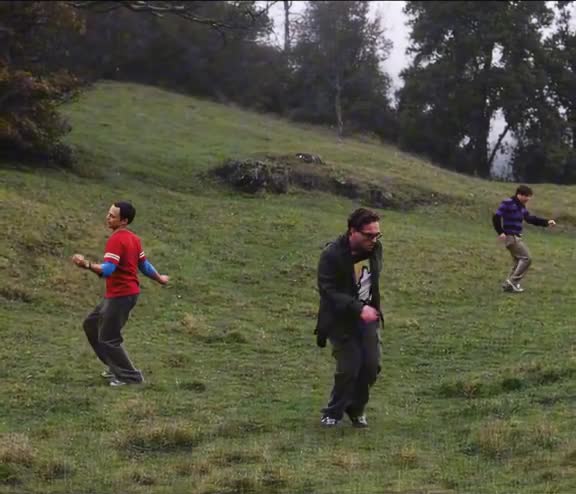
The dance you came for — The hillside setting, familiar gestures and close-up, following the built-in reference.
Your people, in their places — One photo for the center dancer, with two optional friends. Each photo stays assigned to its role.
Music, already synced — About 15 seconds with music, delivered as a 9:16 MP4 with the original-style black bars.
Wassup in a Minute is a dance and video-edit trend named after a repeating vocal hook. You may have seen anime characters swaying on a white background, or three people dancing together on a grassy hillside.
This generator makes the three-person hillside version. Upload your photos to join the dance—no filming, choreography practice or complicated prompts.
Explore the trend’s background ↗Upload your photo — Choose a clear photo for the center dancer. This is the person who gets the close-up.
Add your friends — Add a photo on either side, or keep the default dancers. Check your cast in the scene preview.
Download and share — Make your video and download the MP4 with music. Your photos and videos are stored for 30 days.
$9.90
$9.90 / video
Failed generation? Your credits come back. See refund policy.
$19.99
$6.66 / video
Failed generation? Your credits come back. See refund policy.
$29.99
$6.00 / video
Failed generation? Your credits come back. See refund policy.
One-time payment. No subscription.
Yes. Add your photo to the center dancer. The two side roles use default dancers unless you add friends.
Yes. Upload one individual photo for each role: left, center and right. You can change photos or swap a side role with the center before generating.
The center dancer gets the featured close-up. Role names refer to the group shot; the same person keeps that role as the camera and dancers move.
One video costs $9.90. Three videos cost $19.99, and five cost $29.99. Every video includes up to three custom dancers: upload one, two or three photos for the same price. Packs are one-time purchases, with no subscription.
Each account gets one free scene preview in total. This one-time allowance does not reset. Full dance videos use a paid video pack. Check your photos in the preview before making the complete video.
Yes. Your finished video includes music synced to the dance. When sharing, follow the destination platform’s audio and AI-labeling rules.
Your download is a 9:16 MP4, about 15 seconds long. Black bars above and below the dance scene preserve the reference clip’s framing and keep all three dancers visible.
No. The reference dance and instructions are built in. Upload your photos here and download the finished video—no CapCut template, filming or custom prompt needed.
Use a sharp, well-lit photo of one person facing the camera. Keep the face visible, without sunglasses, heavy filters or hands covering it. Upload a JPG or PNG up to 8 MB.
If generation fails, the video credits are returned automatically. For a completed video with a visual problem, contact support with your task ID so we can review it.
Uploaded photos and generated videos are stored for 30 days. Download your finished video within that period. See our privacy policy for processing and deletion details.
This template recreates the three-person grass-field dance. The white-background anime sway is a different version of the same named trend.